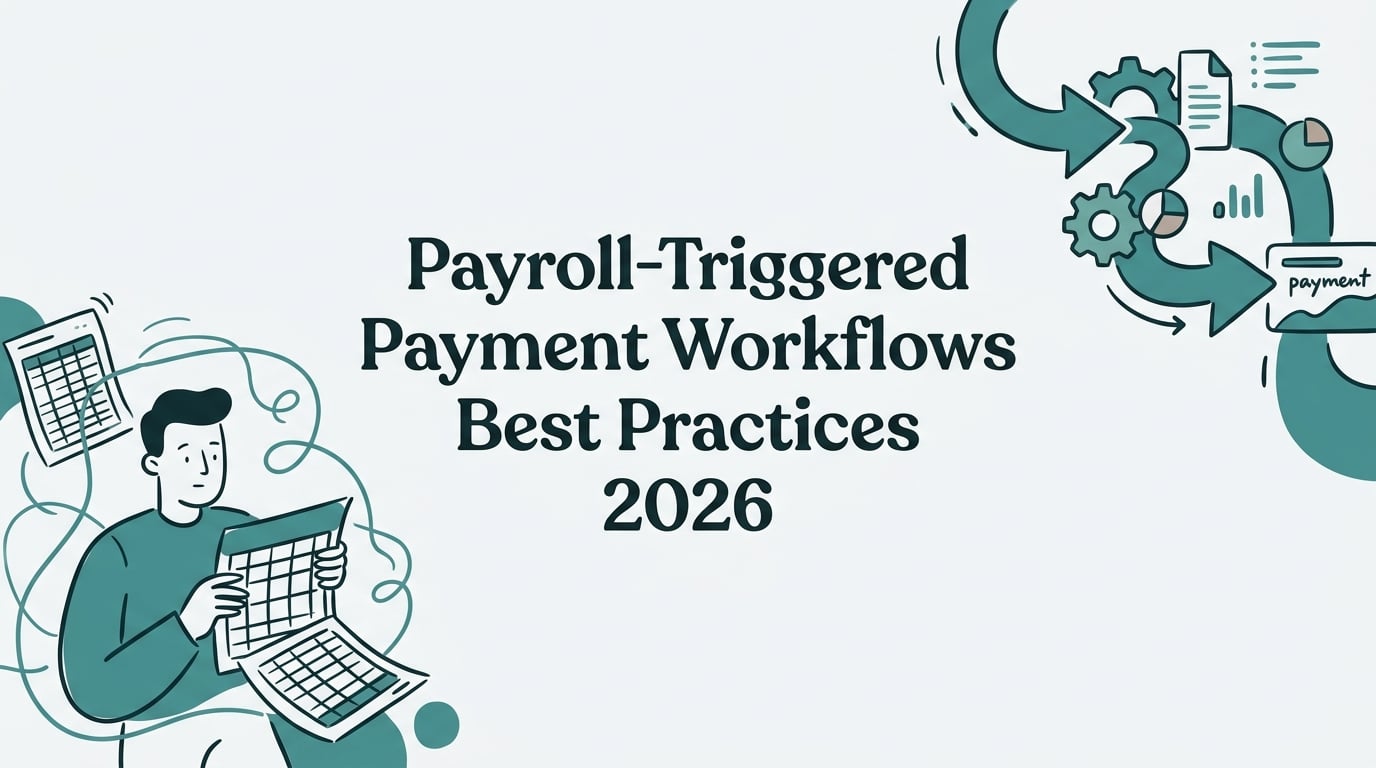
Payroll-Triggered Payment Workflows Best Practices 2026
Let’s be honest, manual data entry is a productivity killer. When your HR, benefits, and payroll systems don’t communicate, your team is stuck in a cycle of exporting spreadsheets, rekeying information, and chasing down errors. It’s no wonder that while the average company uses hundreds of different applications, only about 29% of them are actually integrated. This leaves a massive 71% siloed, creating blind spots and manual work that can directly impact your bottom line.
The solution is a smarter, more connected approach. By implementing payroll-triggered payment workflows best practices, you can automate critical processes, reduce errors, and free up your team for more strategic work. Key practices include creating a strategic blueprint for integration, thoroughly testing automated workflows, syncing critical employee data in real time, and ensuring ongoing regulatory compliance. This guide walks you through everything you need to know, from initial planning to advanced compliance.
The Strategic Blueprint: Planning Your Integration
Before you connect a single system, a solid plan is essential. A staggering 70% of digital transformations fall short of their objectives, often because integration is treated as an afterthought. Here’s how to set your project up for success from day one.
Define a Clear Integration Goal
First, what are you trying to achieve? An integration goal is a clear objective for connecting your systems. Instead of a vague idea, aim for a specific, measurable outcome. For example, a great goal is to “Sync employee data between our HRIS and payroll to eliminate double entry and reduce payroll errors by 50%.” This gives your project a north star and helps everyone understand the business value, not just the technical details.
List Your Payroll Data Requirements
Next, you need to map out the specific information that will flow between systems. Make a comprehensive list of every data field, including employee IDs, pay rates, hours worked, benefit deductions, and tax information. A common pitfall is misaligned data definitions; for instance, one system might use “Software Engineer” while another uses “Software Developer” for the same role. Defining these requirements upfront helps you create a single source of truth, eliminating manual entry and ensuring data consistency across all platforms.
Evaluate Software Compatibility
Can your systems actually talk to each other? Evaluating software compatibility is a critical step. Check if your HR and payroll platforms offer Application Programming Interfaces (APIs), which are modern tools for connecting software. If a system lacks a good API, you might be forced to build costly and time consuming custom connections. If your systems use different data formats (like one exporting a CSV file while the other needs JSON data), you may need middleware to act as a translator and bridge the gap.
Prefer Prebuilt Payroll Integrations
Whenever possible, choose prebuilt integrations. These are ready‑made connectors that link two systems with minimal setup. For benefits‑specific selection tips, see our “guide to buying an ICHRA that integrates to payroll.” Instead of building a connection from scratch, you can deploy a solution that has already been tested and is maintained by the vendor. This is a huge advantage, as organizations using prebuilt connectors can reduce integration project time by 33% to 67%. It’s also significantly cheaper, showing 62% lower year-one total cost of ownership than building and maintaining custom integrations.
Plan for Change and Stakeholder Alignment
An integration project isn’t just about technology; it’s about people. 70 percent of change programs fail to achieve their goals, largely due to employee resistance and lack of management support. Get buy in from all stakeholders (HR, Payroll, IT, and Finance) from the very beginning. Communicate the “why” behind the change, explaining how automated payroll-triggered payment workflows will save time and reduce errors for everyone.
Train Staff on the New Payroll Workflow
Even the best integration will fail if your team doesn’t know how to use it. Proper training is crucial for user adoption. By 2027, more than 70% of recently implemented ERP initiatives will fail to fully meet their original business goals. Develop a structured training plan with hands on workshops, quick reference guides, and a safe sandbox environment where staff can practice without consequences. Your goal is to make everyone comfortable and confident with the new, streamlined process.
Building and Verifying Your Automated Workflows
With a solid plan in place, it’s time to build, test, and secure your integration. Following these payroll-triggered payment workflows best practices ensures your connections are reliable and your data is safe.
Test the Integration with Sample Data
Before going live, conduct thorough integration testing with sample data. This is like a dress rehearsal for your payroll process. You can input a fake new hire into the HR system and verify that their details appear correctly in payroll. Finding and fixing a bug during the testing phase can be about 35 times cheaper (≈$450 during testing/QA vs ≈$16,000 post‑release). A great practice is to run parallel tests, processing payroll with both the old manual method and the new integrated workflow for one cycle and comparing the results to ensure everything matches perfectly.
Monitor for Failures and Discrepancies
Once your integration is live, you need a system for monitoring and alerting. Data syncs can occasionally fail due to API outages or unexpected data formats. Proactive monitoring helps you catch these issues before they cause problems like incorrect paychecks. This is critical because errors are incredibly common; one survey found that 88% of U.S. business leaders report discovering errors in document-derived data feeding their analytics and AI systems at least sometimes. Good integration platforms have built in monitoring that can send an immediate alert if a data transfer fails or a discrepancy is found.
Run Pre and Post Integration Data Audits
A data audit is a systematic review to ensure nothing was lost or corrupted during the data transfer. Use this “ICHRA audit‑readiness checklist” as a template for what to verify before and after your first integrated run. Before the integration, you might compare employee records in both systems to fix any misalignments. After the first integrated payroll run, you perform a post integration audit. This involves spot checking individual records and verifying totals to confirm everything came through correctly. Discrepancies in things like tax withholdings or benefit contributions can lead to payment errors and legal liabilities, making audits a vital quality check.
Enforce Role Based Access Control and Encryption
Payroll and HR data is highly sensitive, so security is non negotiable. Implement Role Based Access Control (RBAC) to ensure users can only access the data necessary for their jobs. Additionally, all data should be encrypted, both when it’s stored (at rest) and when it’s moving between systems (in transit). The stakes are high; the average cost of a data breach in 2026 was approximately $4.45 million. Strong security protects your employees, your finances, and your reputation.
Core Payroll-Triggered Payment Workflows in Action
This is where automation truly shines. Implementing these payroll-triggered payment workflows best practices will transform your day to day operations.
Choose Between Real Time and File Based Integration
You have two main options for how data moves: real time or batch.
- Real Time (API based) Integration: Changes are synced instantly. When you update an employee’s address in the HR system, it immediately updates in payroll. This is ideal for time sensitive events like new hires and terminations.
- File Based (Batch) Integration: Data is collected and transferred in bulk on a schedule, such as nightly or weekly. This is simpler but introduces a delay.
Many organizations use a hybrid approach, using real time APIs for critical updates and batch processing for less urgent, high volume data transfers.
Establish Data Ownership Across Departments
To avoid confusion and finger pointing, you must establish clear data ownership. Decide which department is ultimately responsible for the accuracy of specific data sets. For example, HR might own personal employee data, while the Finance team owns compensation and tax information. This clarity ensures accountability and helps resolve discrepancies quickly, because everyone knows who to go to for what.
Implement Bidirectional Payroll Integration
For a truly seamless workflow, data should flow in both directions. Bidirectional integration means that a change made in the payroll system can update the HR system, and vice versa. For example, if an employee updates their direct deposit information in a self service payroll portal, a bidirectional sync would automatically push that change back to their profile in the HRIS. This creates a single, reliable source of truth across all platforms.
Automate Payroll Contribution and Deduction Writebacks
This is a powerful example of payroll-triggered payment workflows.
- Contribution Writeback: This process automatically sends employer contribution data (like 401(k) matches or HRA reimbursements) from a benefits system back into payroll. This ensures employer paid amounts are recorded accurately for tax and reporting purposes without manual entry.
- Deduction Writeback: This is the reverse, automatically sending employee deduction information (like benefit premiums or loan repayments) into the payroll system. When benefits and payroll are disconnected, premium contributions often don’t match, requiring tedious manual reconciliations each month.
Platforms that specialize in benefits administration, like SimplyHRA, use these automated writebacks to ensure reimbursements and deductions are handled perfectly, eliminating errors and saving HR teams countless hours. For a practical walkthrough of day‑to‑day approvals and payments, follow our “step‑by‑step guide to approving and paying reimbursement claims.”
Sync Hire, Termination, and Pay Change Events
Key employee lifecycle events should be synchronized automatically.
- New Hires: When HR enters a new hire, their profile is instantly created in payroll and benefits.
- Terminations: When an employee is terminated, payroll is automatically updated to process their final pay, and benefits are offboarded. A delay in syncing a termination can lead to costly COBRA compliance penalties of around $110 per day. Review your “COBRA obligations when replacing group coverage with an ICHRA” to avoid gaps.
- Pay Changes: Raises and bonuses entered in the HR system flow directly to payroll, ensuring the next paycheck is accurate.
Integrate Time, Attendance, and PTO
For companies with hourly employees, integrating your Time and Attendance system with payroll is a game changer. It eliminates manual entry of hours and dramatically reduces errors. Similarly, synchronizing PTO and leave balances ensures that what an employee sees in the HR portal matches what’s on their pay stub, preventing confusion and incorrect payouts.
Scaling, Compliance, and Advanced Best Practices
As your company grows, your payroll-triggered payment workflows need to evolve. These advanced strategies will help you scale efficiently while staying compliant.
Reconcile Payroll to Your ERP System
Automate the process of posting payroll data to your general ledger or ERP system. Start with this “ICHRA to payroll reconciliation process checklist” to map fields and postings. Instead of an accountant manually creating a journal entry after each pay run, an integration can automatically post the debits and credits. This provides the finance team with real time labor cost data, improves accuracy, and helps accelerate your month end close.
Preview and Validate Payroll Data Before Finalization
Always perform a final quality check before you finalize payroll. Modern systems can generate preview reports that flag anomalies, like an unusually high paycheck or a new hire with no deductions. This step is your last line of defense. Catching a mistake here is far easier than trying to fix it after paychecks have been issued. The impact of errors is significant; research shows that 49% of employees will begin searching for new employment after two payroll mistakes.
Support Multiple Payroll Providers and Regions
As your company expands, you may end up using different payroll providers across various regions. An effective integration strategy, often using a unified API, can handle this complexity. It acts as a universal translator, allowing your central HR system to communicate with multiple local payroll platforms, each with its own rules and data formats. This is essential for maintaining global compliance, which 57% of respondents identified ensuring local compliance as their biggest challenge.
Automate Eligibility and Enrollment Updates
Your systems should automatically track when employees become eligible for benefits and update their enrollment status. Here’s an HR‑focused “ICHRA eligibility verification workflow for HR” you can mirror. This is especially critical for ACA compliance, where you must monitor employee hours to determine who qualifies for health coverage. Failing to track this accurately is one of the most common and costly ACA compliance pitfalls. Automation ensures timely offers of coverage, correct payroll deductions, and a clear audit trail.
Ensure ACA, ERISA, and IRS Compliance
A well integrated system is your best ally for navigating complex regulations.
- ACA: Track employee hours, verify coverage affordability, and generate accurate 1095 C forms; use our “2026 ICHRA affordability guide” to run the math and stay compliant.
- ERISA & IRS Rules: Run non discrimination tests for retirement and health plans to ensure they don’t unfairly favor highly compensated employees.
By connecting your HR, benefits, and payroll data, you can automate many of these checks and easily pull the reports needed to prove compliance. Solutions designed for specific benefits, like the ICHRA platform from SimplyHRA, build these compliance guardrails directly into their payroll-triggered payment workflows, reducing risk for employers.
Frequently Asked Questions
1. What are payroll-triggered payment workflows?
Payroll-triggered payment workflows are automated processes where an event in one system (like HR or benefits) automatically creates a corresponding transaction in the payroll system. This includes things like syncing new hire data, processing benefit deductions, or issuing reimbursements without manual intervention.
2. Why are these automated workflows so important?
They are crucial for reducing manual data entry, which minimizes costly payroll errors, saves administrative time, and ensures data is consistent across all of your systems. This leads to greater efficiency, better compliance, and higher employee trust.
3. What is the first step to set up an automated payroll workflow?
The first step is to define a clear integration goal. You need to identify the specific outcome you want to achieve, such as reducing payroll processing time or eliminating deduction errors. This goal will guide your entire project.
4. Should I use a prebuilt integration or build a custom one?
Whenever possible, you should opt for a prebuilt integration. They are significantly faster to deploy, more cost effective, and are maintained by the vendor, saving you the headache of future updates and fixes.
5. How do these workflows help with benefits like an ICHRA?
For an Individual Coverage HRA (ICHRA), automated workflows are essential. A platform like SimplyHRA can integrate with payroll to automatically handle employee premium reimbursements as a contribution and deduct any non reimbursable expenses, keeping the entire process seamless.
6. What are the biggest mistakes to avoid with payroll integration?
The biggest mistakes include failing to plan properly, not getting stakeholder buy in, neglecting staff training, skipping thorough testing, and not having a system for monitoring the integration after it goes live.
Conclusion
Moving away from disconnected systems and manual processes is no longer a luxury, it’s a necessity for efficient and scalable operations. By implementing these payroll-triggered payment workflows best practices, you can create a seamless ecosystem where data flows accurately and automatically. This not only eliminates administrative headaches but also provides a better experience for your employees and ensures your business stays compliant.
If you’re looking to automate your health benefits and create a truly integrated experience, see how platforms built on these principles can help. You can “schedule a free demo” to see firsthand how automated payroll connections can transform your benefits administration.
Related blogs
Replace Group Health in 2026: ICHRA Guide for Employers
Individual vs Group Health Insurance 2026: Which Is Better?